

Build serious frontends at AI speed, with no-code control
Every screen, data source, interaction, and access rule is visible and editable in clicks. No buried code, no black boxes, no production surprises.
Trusted by Fortune 500 companies








UI Design
Design pixel-perfect UIs however you want
Fine-tune every screen in the visual editor, down to the smallest pixel.

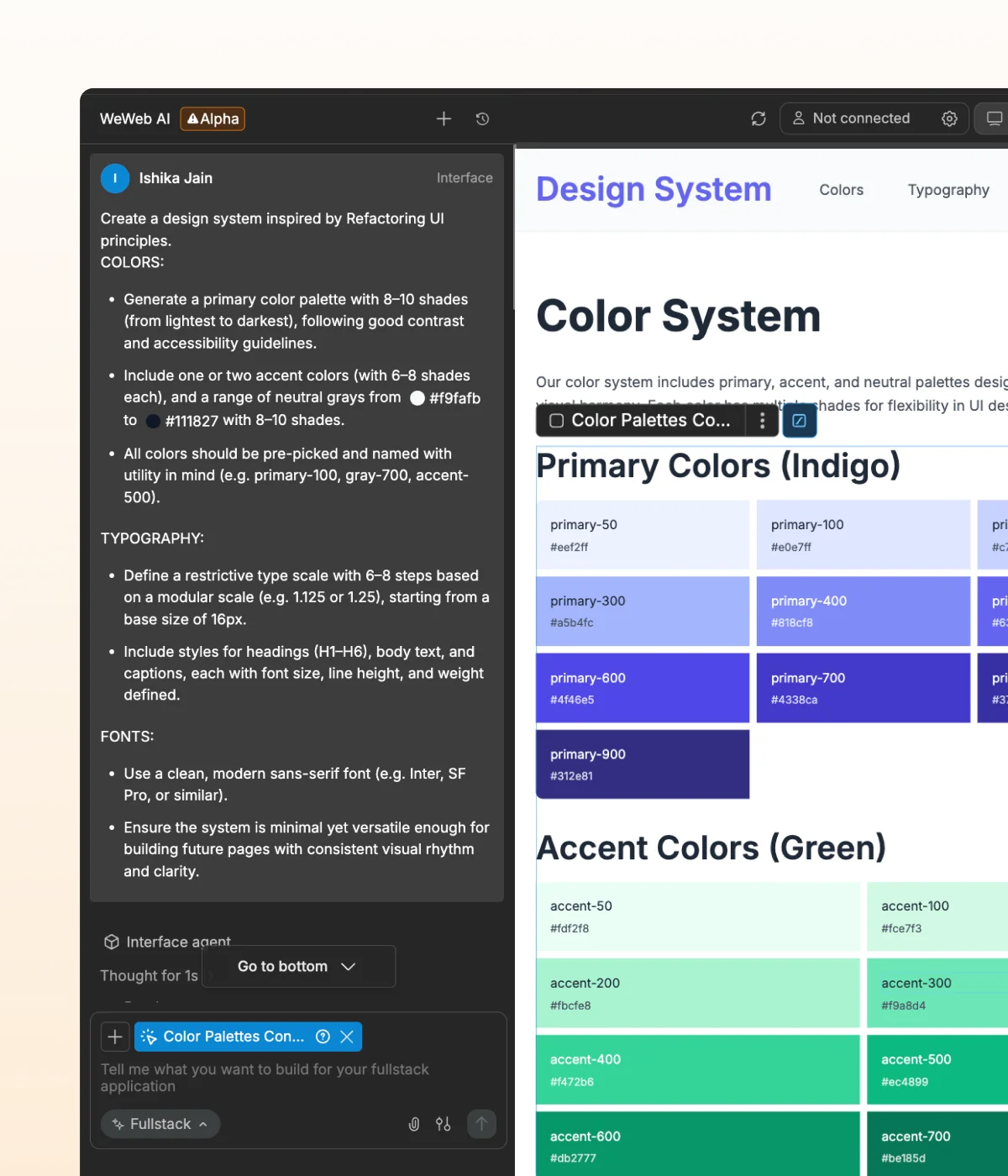
Generate with AI
Turn ideas into polished UIs in minutes using text prompts or image references. Save tokens on small edits by switching to visual editing anytime.

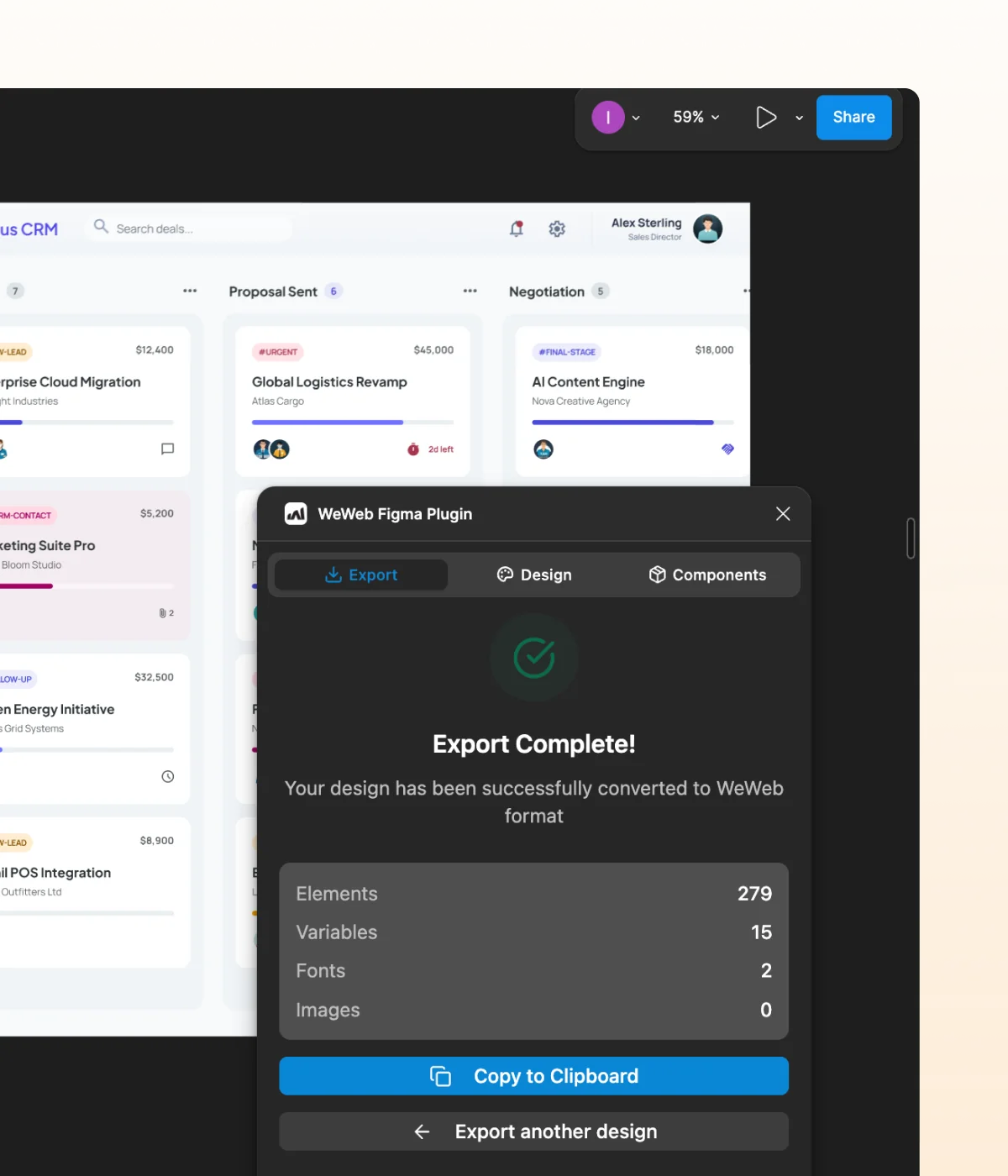
Import designs from Figma
Bring your Figma designs into WeWeb with pixel-perfect accuracy. Then edit visually, add logic, and keep building without starting from scratch.

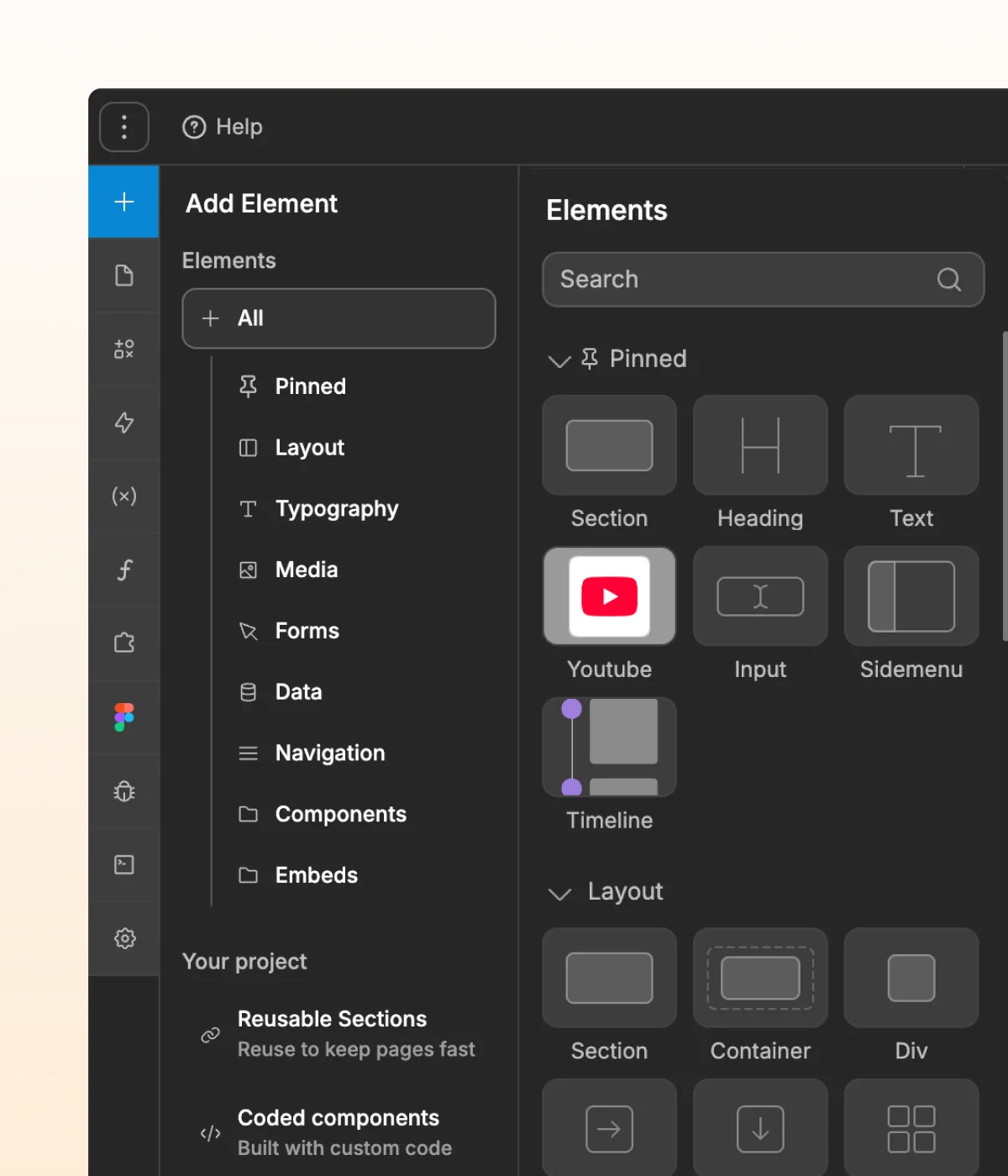
Drag & drop pre-built UI elements
Choose from 60+ ready-made components, then customize their styling and logic to create interfaces that feel unique to your brand.
" We knew this project would require a top-tier tool (like WeWeb) to handle the scale of a nationwide broadcast and meet TF1’s strict requirements. They wanted full control over hosting and infrastructure, with no dependency on proprietary platform servers."
Founder @ Shunpo

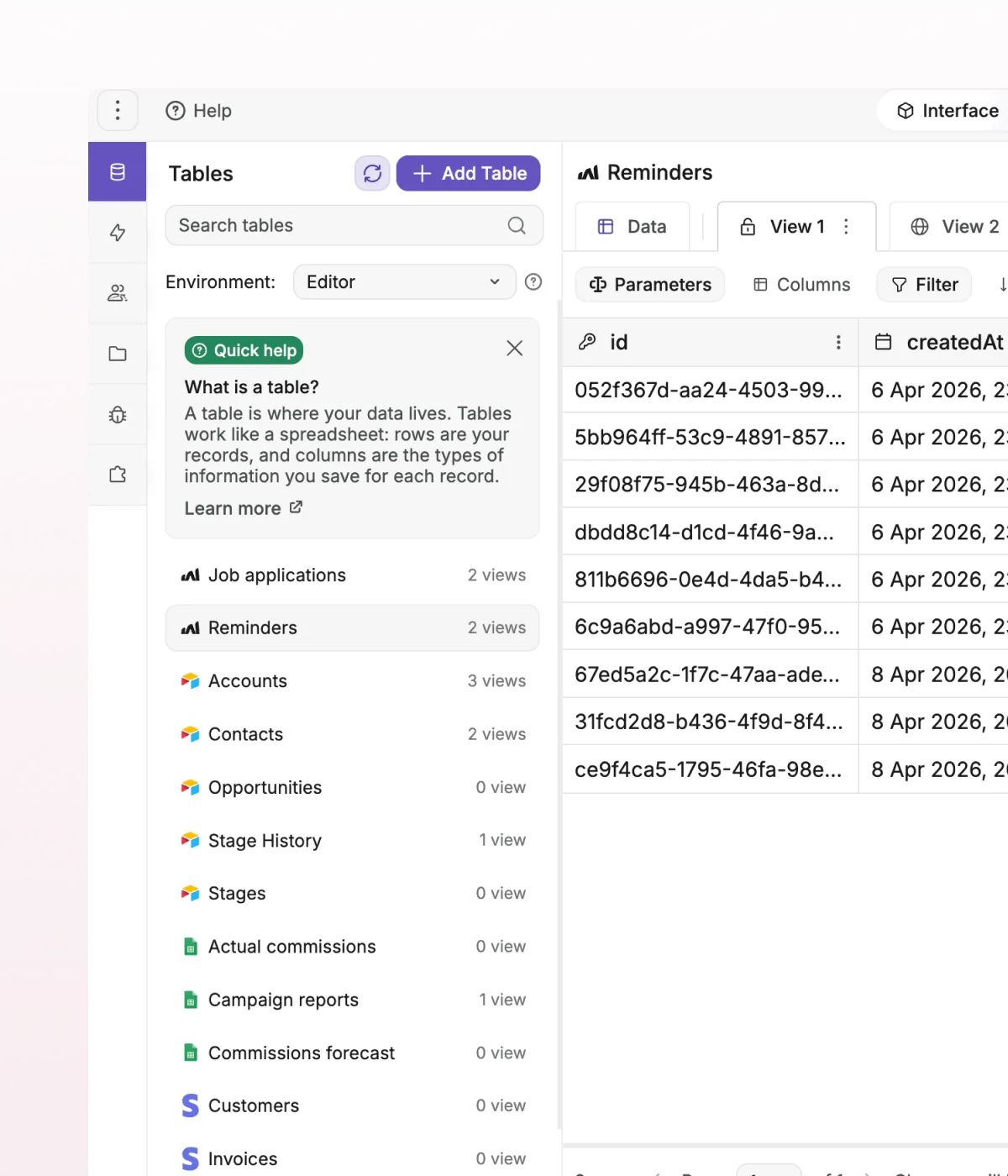


Data
Bring your app to life with any data source
Mix and match built-in and external data sources in one app.

Start with native WeWeb backend
Build full-stack apps without leaving WeWeb. Store data, manage users, build APIs, and launch faster with WeWeb’s native backend.

Build on your external backend
Connect your WeWeb frontend to the tools you already use, from Supabase and Xano to Airtable, Google Sheets, or any REST API.

Preview live data instantly
Load only the data you need from each source, right when you need it, so every screen stays fast and secure.
" Adopting WeWeb has revolutionized how we approach application development. It’s not just about speed; it’s about empowering our teams to deliver more innovative, secure, and compliant solutions faster and more effectively than ever before "
Digital Project Manager @ PwC

Workflows
Build powerful interactions you can see and control
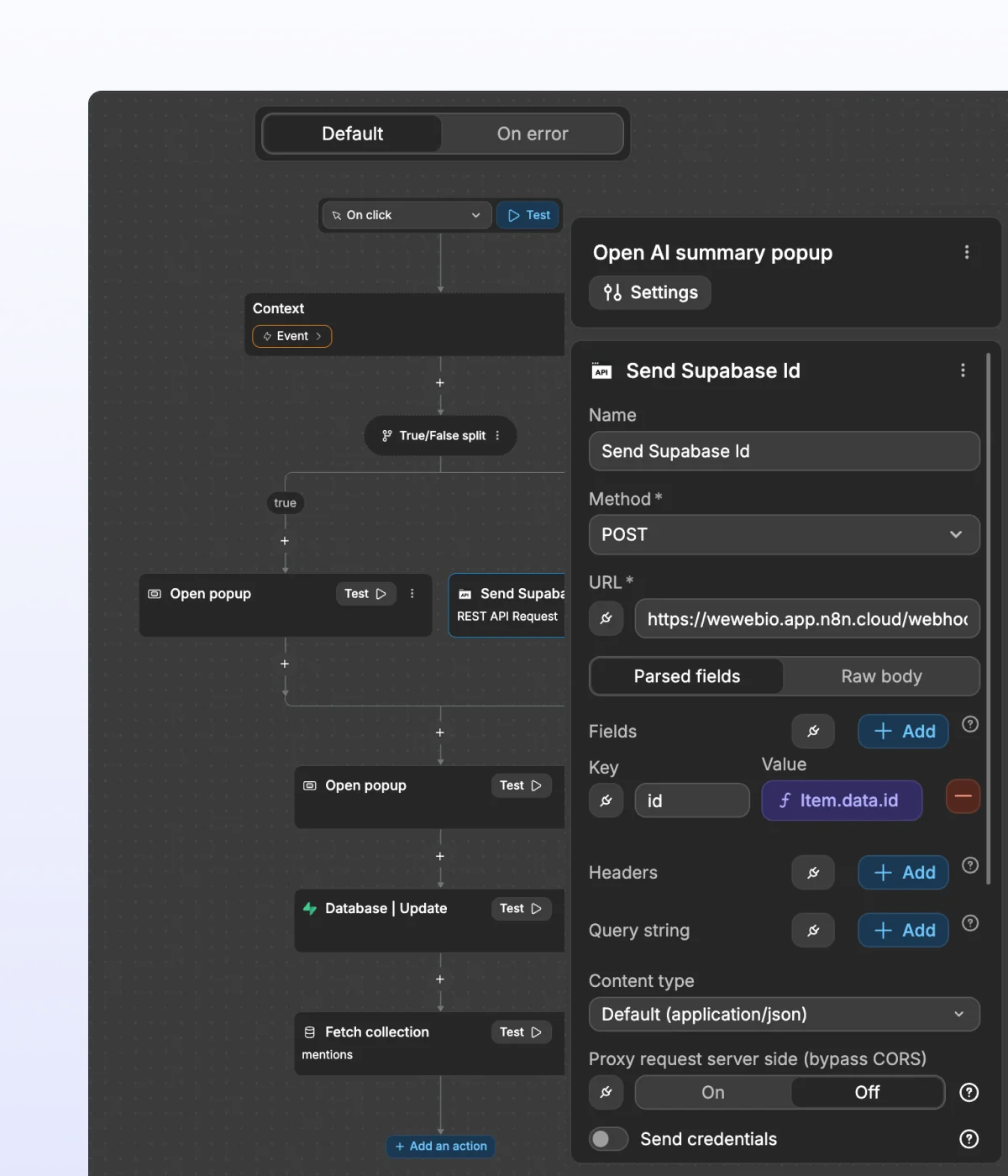
Follow every workflow visually, from actions and conditions to data flow.

Connect no-code actions visually
Combine built-in actions for logins, uploads, API calls, and more to build the interactions your app needs. Then visually connect the data each step needs.

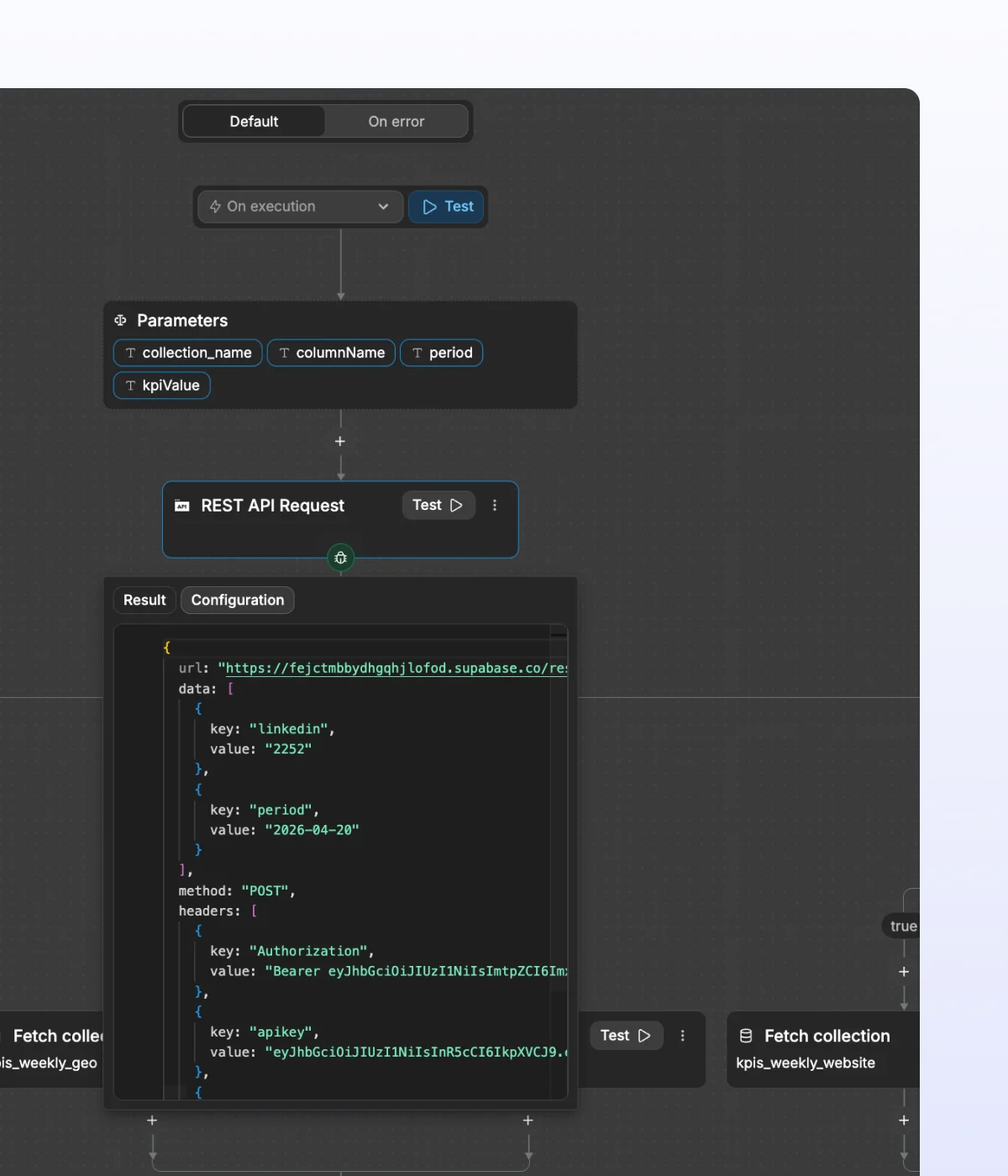
See your logic run
Debug workflows step by step, see how values change, and understand exactly where something fails.

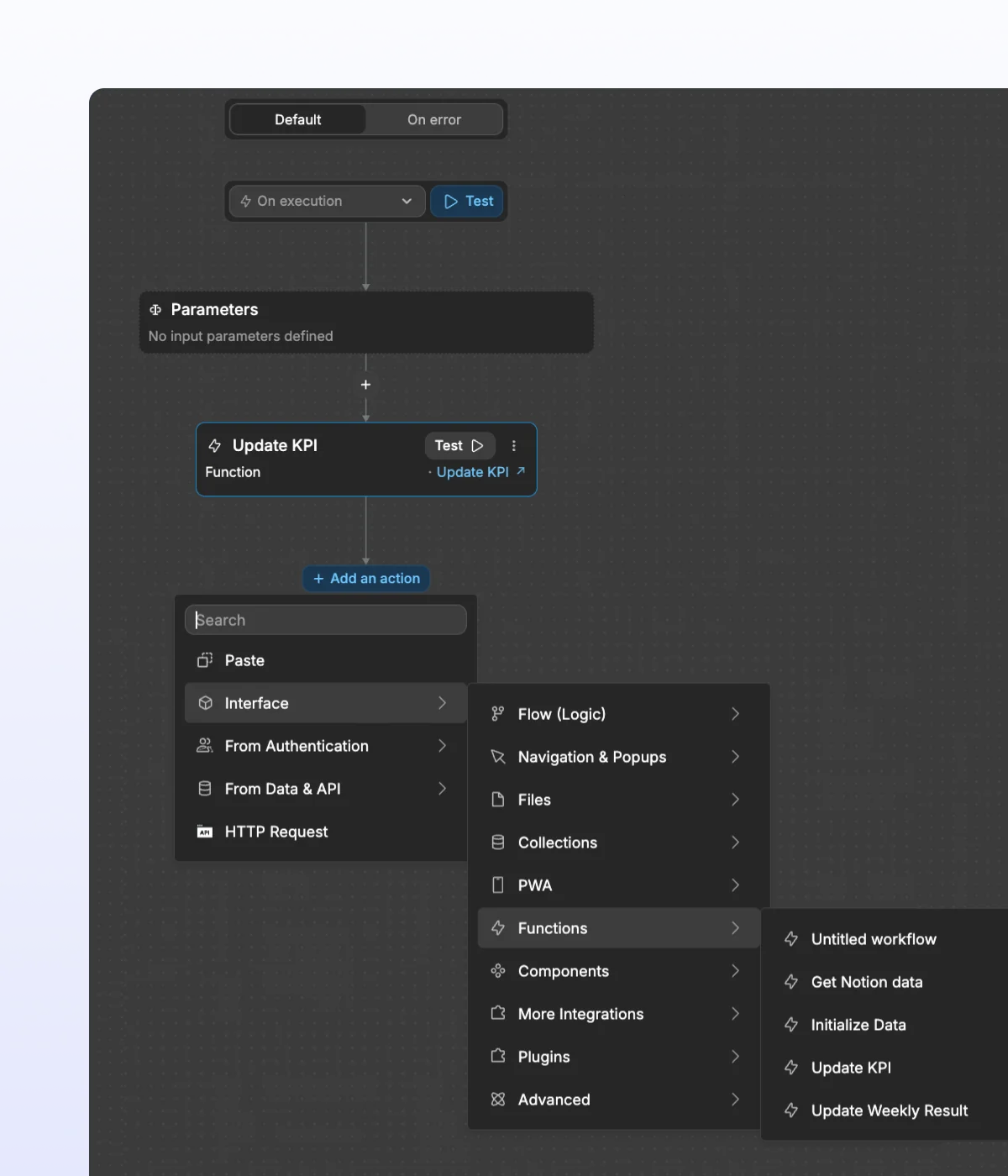
Reuse logic across your app
Centralize shared logic with global workflows and formulas you can update once and reuse across your frontend.

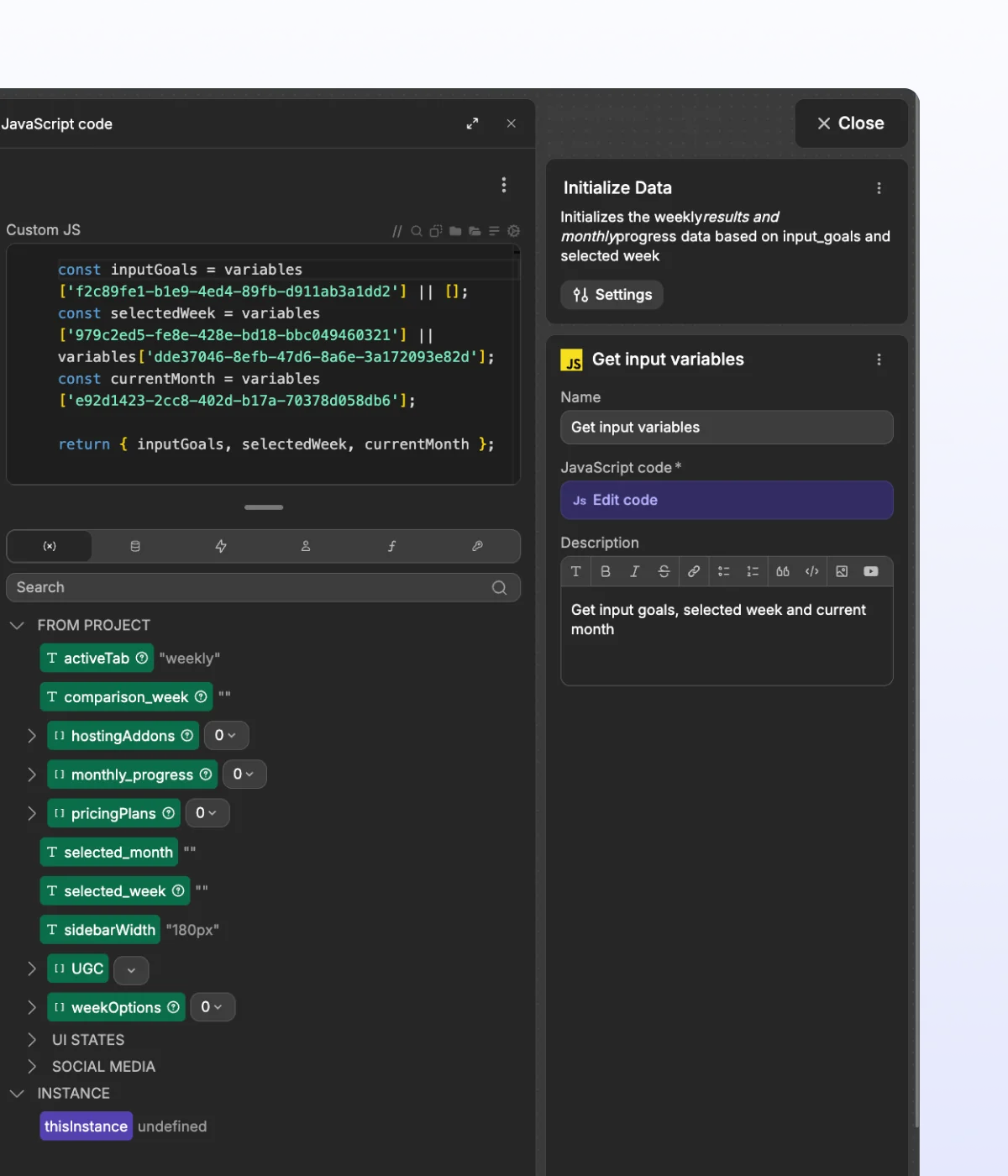
Add code when you need it
Extend no-code workflows with custom JavaScript in formulas or code blocks, directly inside the WeWeb editor.
" It used to take a frontend developer, a backend developer, and a project manager. With WeWeb, I can build a new feature in about 90 minutes. I just get it done between meetings. "
Co-Founder & CTO @ Curated Capital

Authentication
Secure app access from signup to permissions, in a few clicks
See every auth flow, edit any rule safely, and ship without fear.

Use WeWeb Auth out of the box
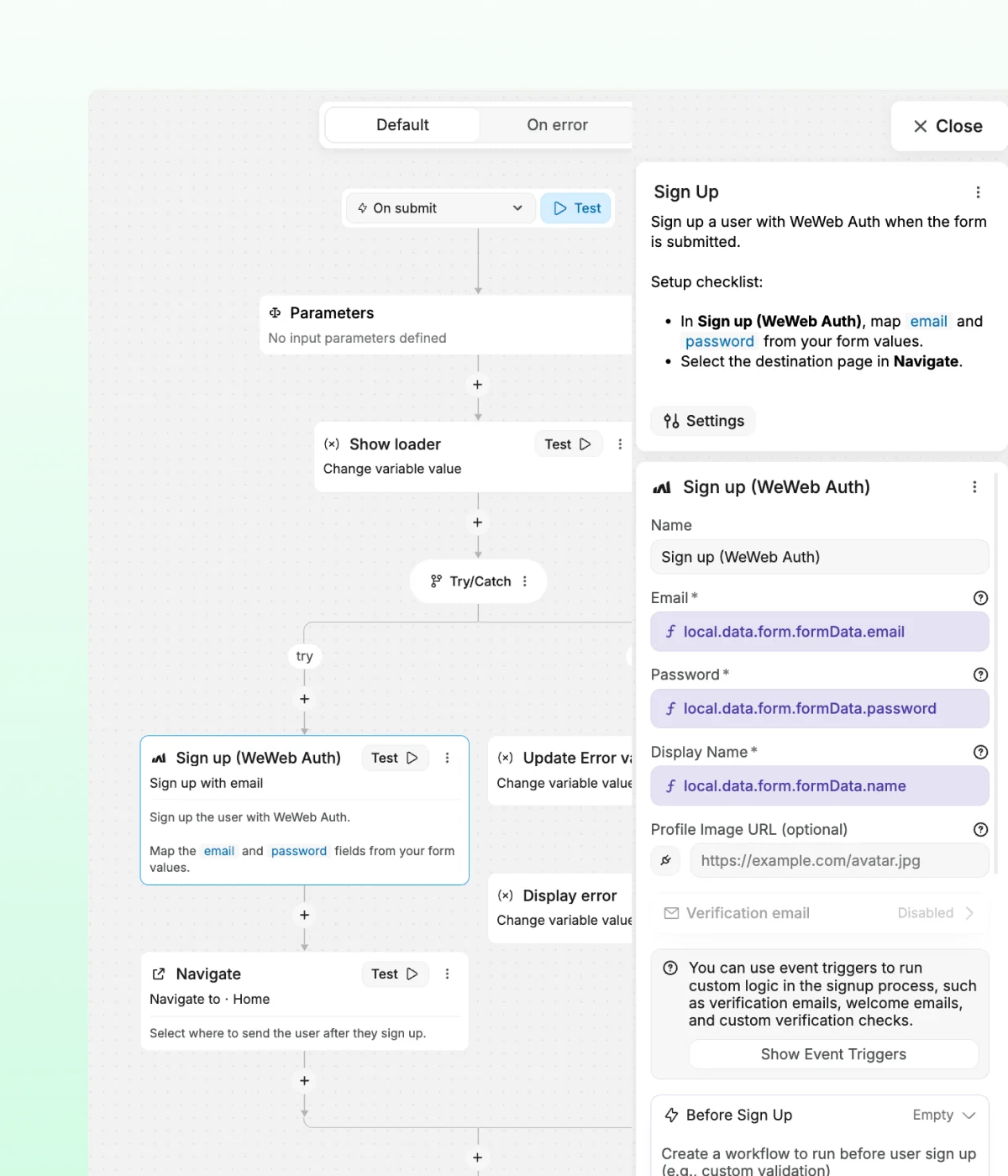
Add WeWeb Auth and get ready-to-use signup, login, password reset, and email verification pages. Then customize each flow visually to match your app.

Bring your own auth provider
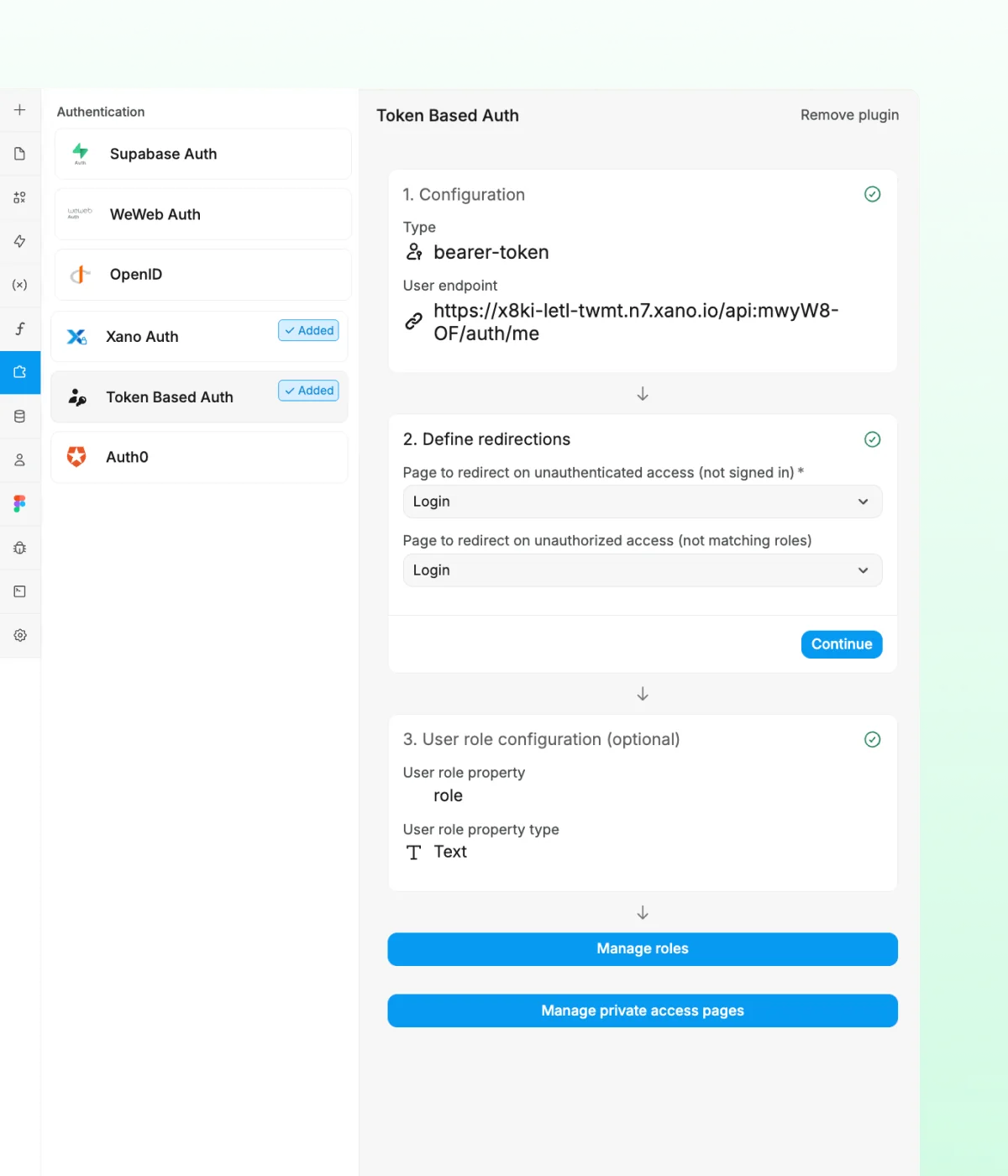
Connect any token-based auth provider you trust, then use native no-code actions to manage login, logout, signup flows, and more.

Control page access visually
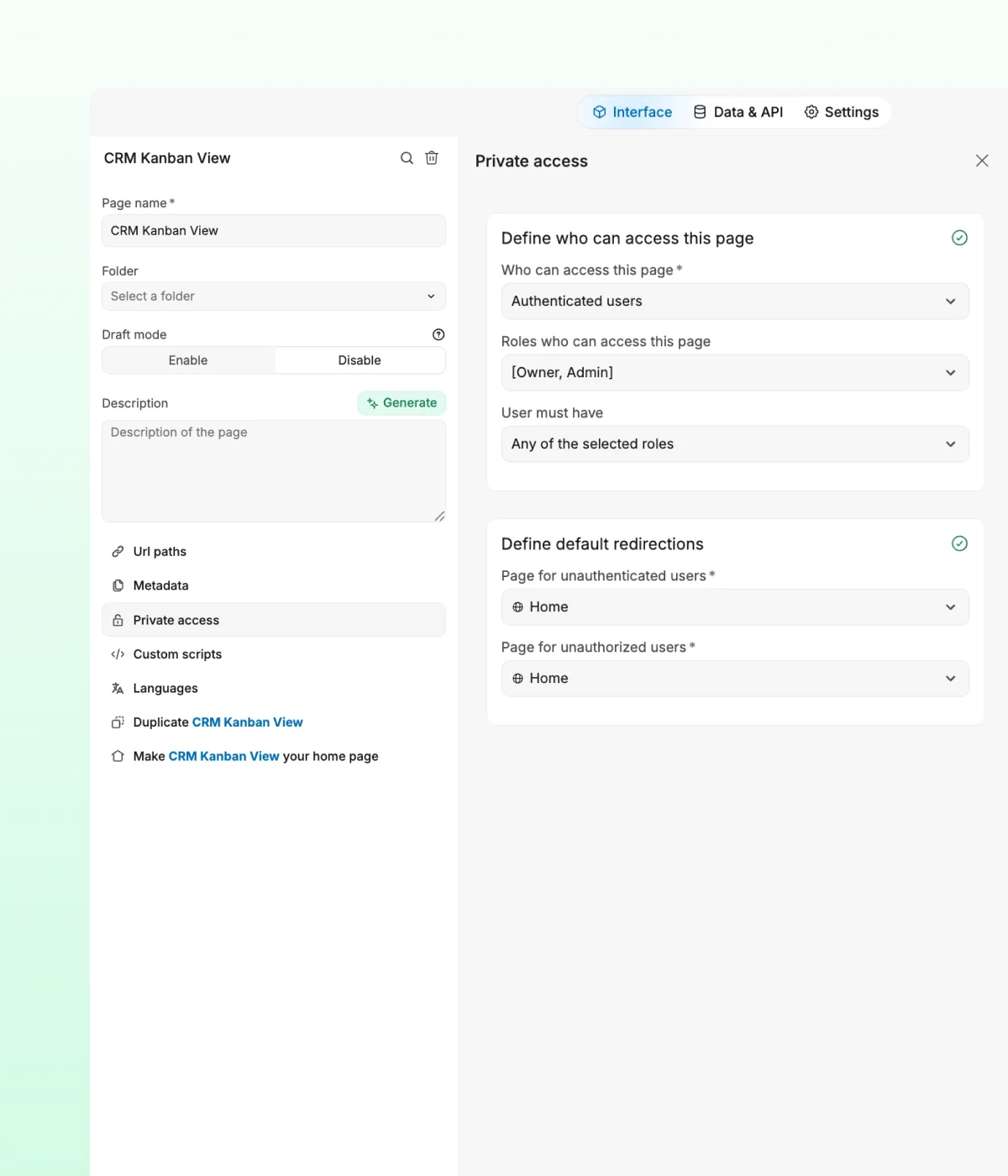
Make pages public or private in one click, then tailor what each user can access based on login status or role.
" I kinda expected that I could only build a MVP using no-code, and then switch to developers and a fully-coded solution. But with WeWeb, I think I can scale endlessly. "
CEO @ Aloe Digital

Build with frontend freedom.
The standards of code, with no-code.
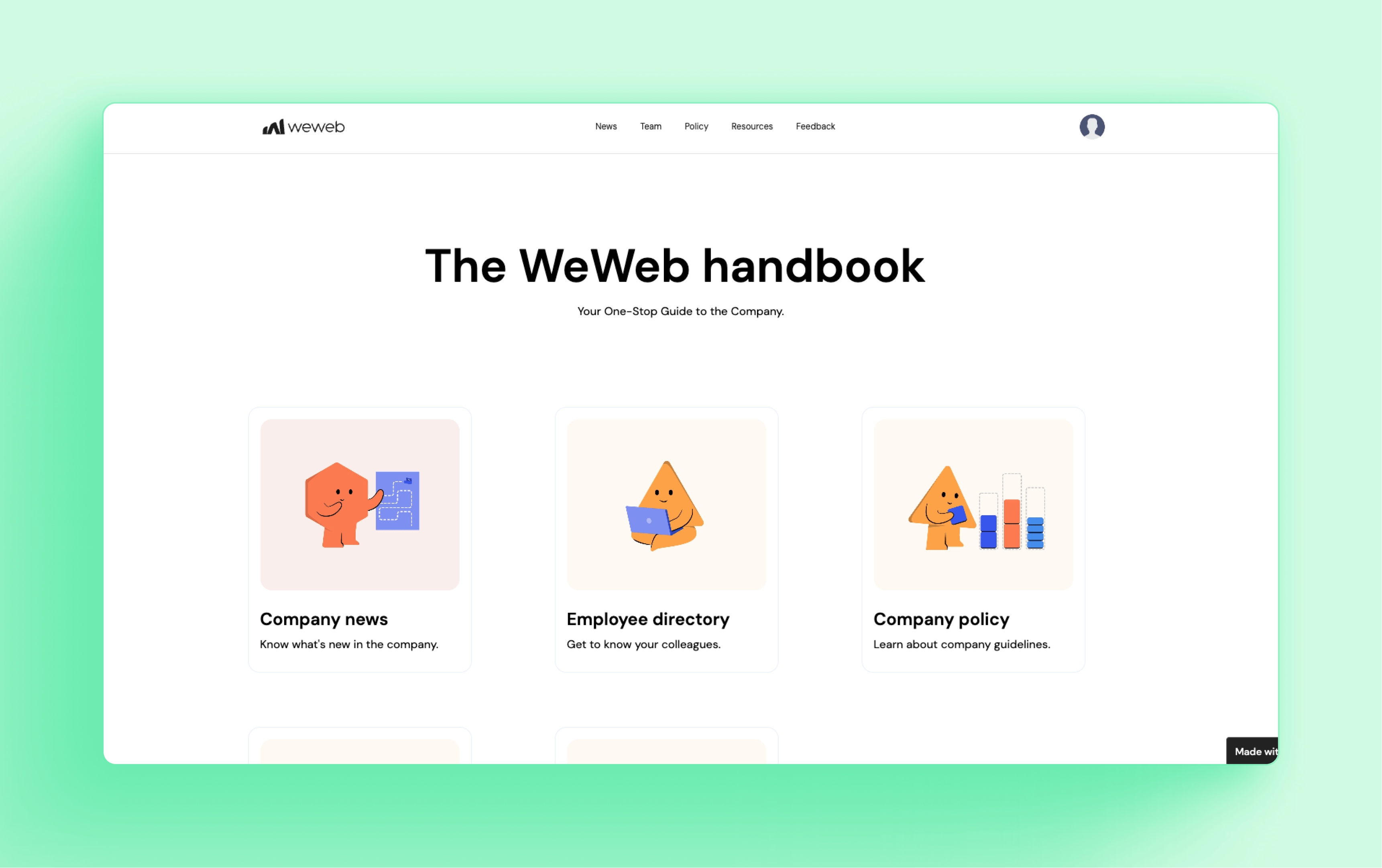
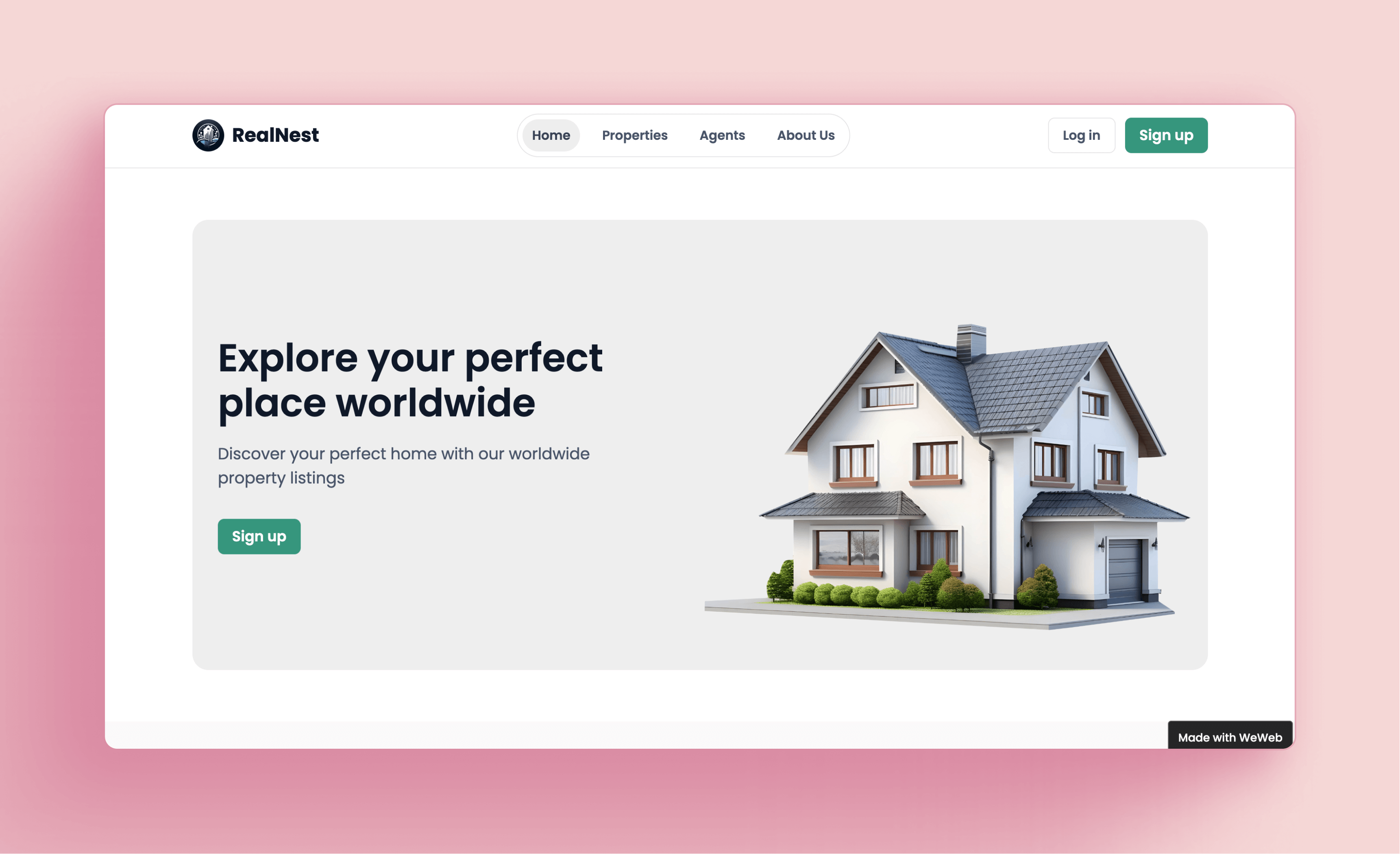
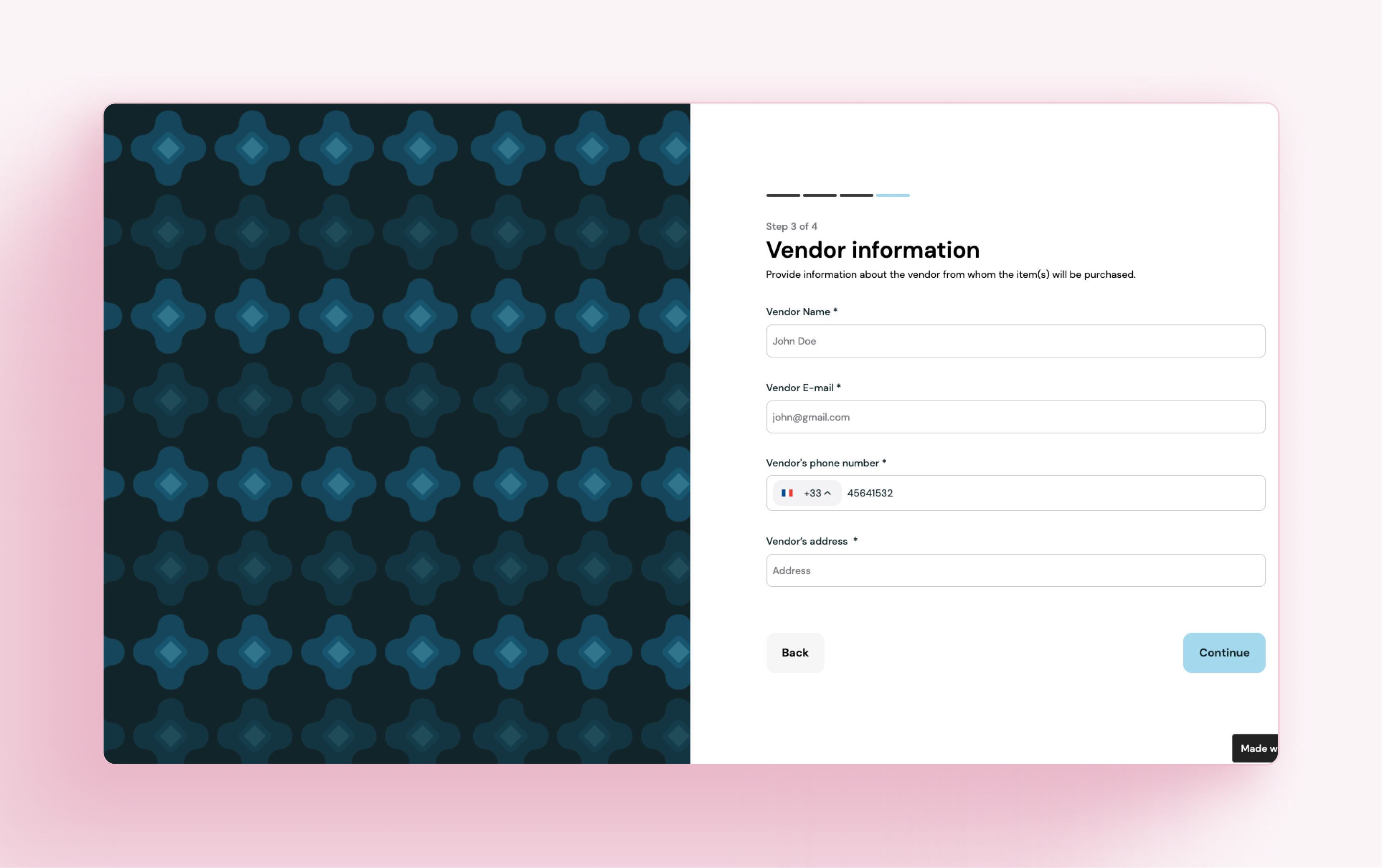
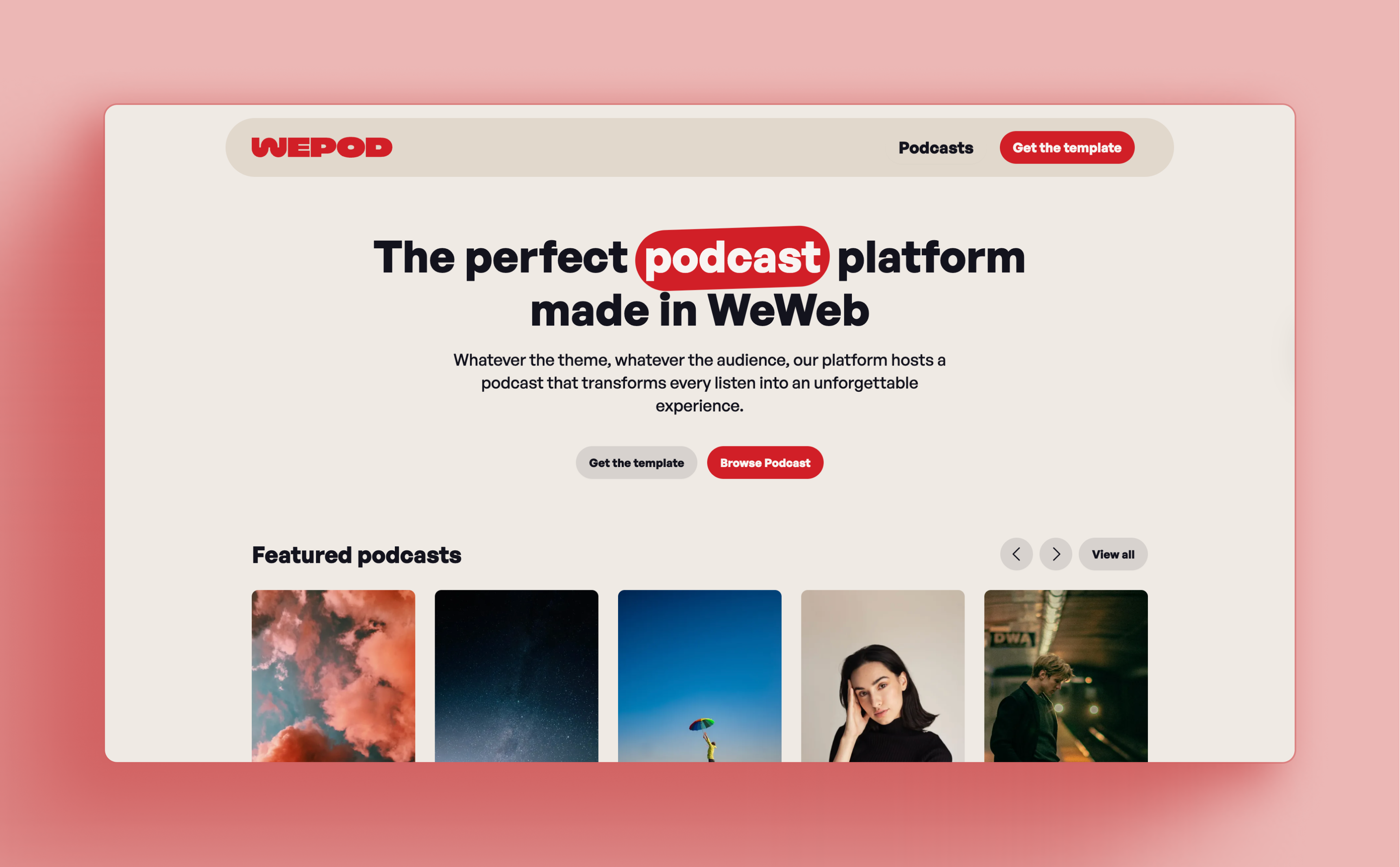
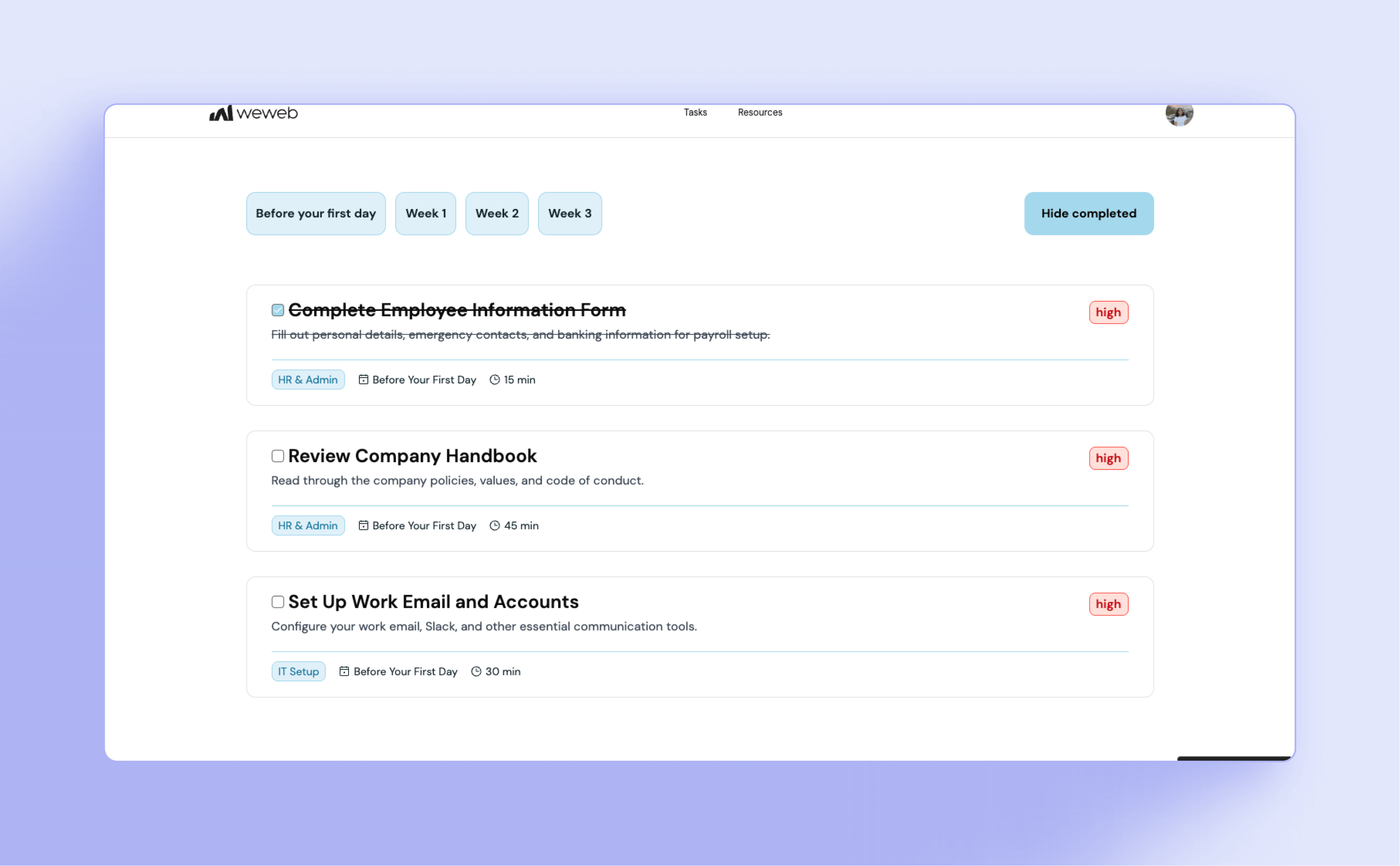
Ready to start? Pick a template
Customize a template and extend it to fit how you work with clients.

.png)


" With WeWeb, we were truly able to achieve a pixel-perfect representation of our complex Figma designs. "
Founder @ Skipmatrix
